

Try ExiusCart
Find winning products, build pages that sell with AI and automate your store.
Outline (17 sections)
- Key takeaways
- What is a digital product?
- Digital vs physical products: the numbers
- 15 digital product ideas that sell in 2026
- How to sell digital products online in 6 steps
- What to put on a digital product sales page
- Where to sell: marketplace, your own page, or both?
- Selling digital and physical products together
- Licences, refunds and copying
- Turn one sale into many with email
- A 7-day plan to launch your first digital product
- How to get your first 100 sales
- Tools you need (most are free)
- When to add a second product
- Mistakes to avoid
- Final thoughts
- Frequently asked questions
Want to learn how to sell digital products online without holding stock, paying for shipping or waiting on a supplier? Digital products are files people pay to download or access: templates, printables, ebooks, presets, courses, design packs. You make them once and sell them again and again, so almost every sale is profit. This guide covers what to sell, how to price it, how to build a sales page that converts, and how to deliver the file automatically after payment.
In short: pick one narrow problem, make a file that solves it, put it on a single sales page with clear before/after pictures, take payment through a trusted checkout, and deliver the file by email right after payment. Then send traffic, collect emails and add a second product for people who already bought.
Key takeaways
- Digital products have 85-95% margins because there is no stock, packing or shipping.
- The best sellers solve one specific job: "meal plan for busy nurses", not "healthy recipes".
- A single focused sales page beats a full store when you have one to three products.
- Price on value, not on file size: $9-$29 for templates and printables, $49-$199 for courses and toolkits.
- Automatic delivery and a follow-up email flow turn one sale into repeat sales.
What is a digital product?
A digital product is anything a buyer receives as a file or online access instead of a box. Once it is made, each extra copy costs you close to nothing. That is the main difference from dropshipping or print on demand, where every order has a product cost and a shipping cost.
Common types:
- Downloads: PDFs, printables, planners, ebooks, checklists, worksheets.
- Templates: Canva templates, Notion dashboards, spreadsheets, resume and invoice templates, website sections.
- Creative assets: Lightroom presets, fonts, icon packs, stock photos, mockups, print-on-demand design packs.
- Education: mini-courses, video lessons, workshops, step-by-step guides.
- Access: memberships, private communities, software licences.
Digital vs physical products: the numbers
| Digital product | Dropshipped physical product | |
|---|---|---|
| Cost per sale | Payment fee only (about 3-5%) | Product + shipping + payment fee |
| Typical margin | 85-95% | 20-40% |
| Delivery time | Seconds | 5-15 days |
| Refund risk | Low if the page is honest | Damage, late delivery, wrong size |
| Stock risk | None | Supplier stock-outs |
| Work up front | High (you make it once) | Low (you list it) |
Many sellers run both: a physical winner for volume, plus a digital add-on (a care guide, a recipe pack, a workout plan) sold as an upsell at checkout. That add-on is almost pure profit. You can check the numbers with our profit margin calculator.
15 digital product ideas that sell in 2026
Each idea below is narrow on purpose. Broad products ("a planner") compete with thousands of free files. Narrow ones ("a wedding budget planner for couples under $15k") get found and bought.
- Niche planners: wedding budget, new-baby routine, ADHD weekly planner, small-business content calendar.
- Notion templates: student study hub, freelance client tracker, Airbnb host dashboard.
- Canva template packs: 30 Instagram posts for real estate agents, salon price lists, restaurant menus.
- Spreadsheet tools: dropshipping profit tracker, debt payoff planner, rental property calculator.
- Printable wall art: nursery sets, kitchen prints, quote art for home offices.
- Coloring books: adult stress-relief, kids' animal pages, seasonal sets. Sell as PDF or use as print-on-demand designs.
- Lightroom and mobile presets: wedding photographers, travel creators, food bloggers.
- Resume and cover letter kits: for nurses, engineers, career switchers.
- Meal and fitness plans: 4-week plans for one goal and one type of person.
- Mini-courses: 5-10 short videos that teach one skill, such as "edit product photos on your phone".
- Swipe files: 100 product description examples, 50 email subject lines, ad hooks.
- Business documents: contracts, SOPs, onboarding checklists for a specific trade.
- Print-on-demand design packs: ready-to-print t-shirt and mug designs for one niche.
- Kids' learning printables: tracing sheets, phonics cards, math games.
- Digital stickers and planner add-ons: for GoodNotes and Notability users.
Tip: search your idea on Etsy, Pinterest and TikTok. If you see paid listings with reviews and active posts, there is demand. If you see nothing, either the idea is too narrow or nobody wants it. If you see thousands of near-identical listings, go narrower.

How to sell digital products online in 6 steps
Step 1: Pick one buyer and one problem
Write one sentence: "I help [who] get [result] without [pain]." For example: "I help new Etsy sellers write product listings in 10 minutes without hiring a copywriter." That sentence becomes your headline, your ad angle and your product name.
Step 2: Make a small first version
Your first product should take days, not months. A 20-page guide, a 10-template pack or a single spreadsheet is enough to test demand. You can add more to it later and raise the price. Use tools you already know: Canva, Google Sheets, Notion, a phone camera for video.
Step 3: Price on the result
Buyers don't pay for pages, they pay for time saved or money made. Use these ranges as a start:
| Product type | Starting price | Why |
|---|---|---|
| Single printable or sticker set | $3-$9 | Impulse buy, high volume |
| Template pack (10-30 items) | $12-$29 | Saves hours of design work |
| Spreadsheet or Notion system | $15-$49 | Ongoing use, clear result |
| Mini-course or toolkit | $49-$199 | Teaches a skill that earns money |
| Membership | $9-$29/month | New content every month |
Add a bundle at about 1.6-2x the single price. Many buyers pick the bundle when it is shown next to the single product.
Step 4: Build one focused sales page
When you sell one to three products, a single sales page converts better than a full store with menus and categories. Everything on the page leads to one button. We cover what goes on the page in the next section.
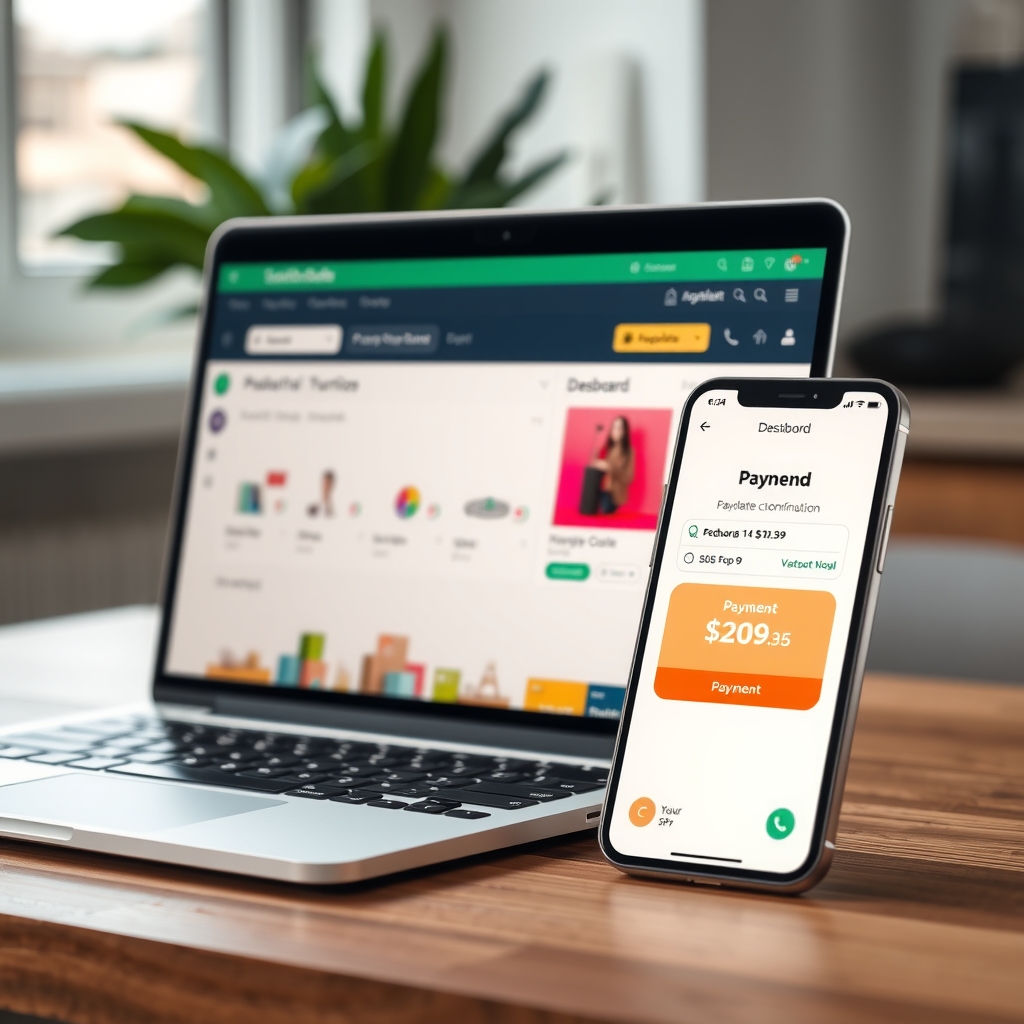
With the ExiusCart AI Page Builder you describe the product (or paste a link to a similar one) and Eevo writes the headline, benefits, FAQ and reviews section, picks a layout and adds a checkout button. You can then edit any block by hand.
Step 5: Take payment and deliver the file automatically
Buyers expect the file within seconds. Manual delivery ("I'll email it tonight") causes refund requests and chargebacks. Set it up so that:
- The buyer pays through a trusted checkout (card, Apple Pay, Google Pay, PayPal).
- An email with a secure download link goes out right after payment.
- The link is gated, so it can't be shared on a forum for free.
ExiusCart does this for you: you upload one file per product, and after payment the buyer gets an email with an access-code-protected download link. No license-key spreadsheets, no manual sending.
Step 6: Send traffic and collect emails
Traffic for digital products usually comes from content: Pinterest pins, TikTok and Reels showing the product in use, YouTube tutorials, and SEO blog posts. Paid ads work once you know your page converts. Collect an email from every visitor with a free sample (one free printable, one free template) so you can sell to them later.

What to put on a digital product sales page
Digital buyers can't touch the product, so the page must show it. Use this order:
- Headline with the result: "Plan your whole wedding budget in one evening."
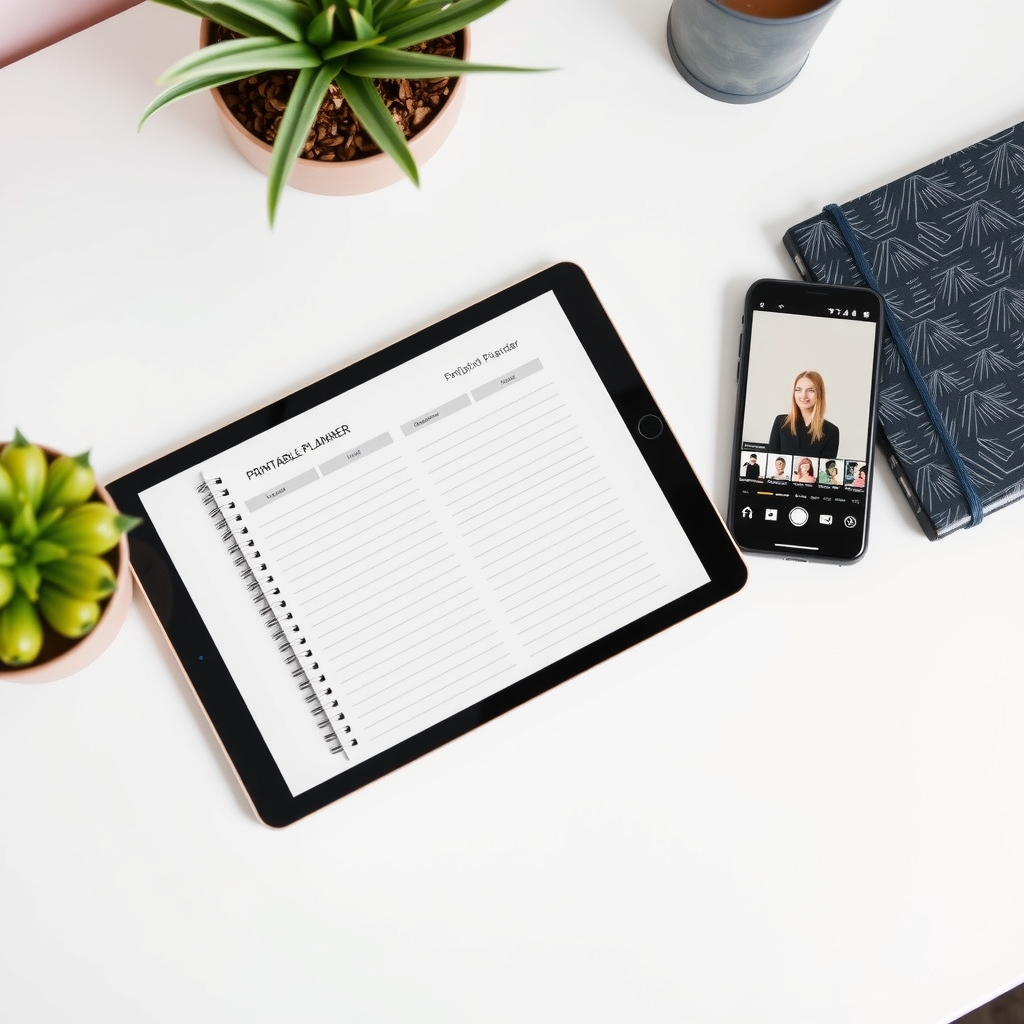
- Mockup pictures: the product shown on a laptop, tablet, phone or printed on a desk. Show inside pages, not only the cover.
- What's included: a clear list with numbers ("42 pages, 12 Canva templates, 3 bonus checklists").
- Who it's for (and who it's not for): this cuts refunds.
- Before and after: the problem without the product, the result with it.
- Reviews: real buyer reviews with photos once you have them.
- How delivery works: "You get a download link by email right after payment."
- FAQ: file format, which apps it works in, refunds, licence.
- One button, repeated: the same call to action after every second section.
Tip: add an order bump at checkout, for example "Add the 2027 calendar pages for $5". Small digital add-ons are accepted by 15-30% of buyers and cost you nothing to deliver.
Where to sell: marketplace, your own page, or both?
| Channel | Good for | Downside |
|---|---|---|
| Etsy | Printables, planners, wall art. Built-in buyers. | Fees, price wars, you don't own the customer. |
| Gumroad / Payhip | Creators with an audience. | Basic pages, platform fees on every sale. |
| Whop | Courses, memberships, communities, software. | Needs your own traffic. |
| Your own sales page | Full control, your brand, your email list. | You bring the traffic. |
A common plan: start on a marketplace to prove demand, then move buyers and new traffic to your own page where you keep the customer and their email. ExiusCart lets you run your own pages and also manage marketplace channels from one dashboard.
Selling digital and physical products together
Some of the best results come from mixing the two:
- Physical product + digital guide: sell a resistance band set with a free 30-day workout PDF. The guide raises the perceived value so you can charge more.
- Digital design + print on demand: sell a coloring book as a PDF, and the same designs printed on mugs and tees.
- Digital upsell after a physical order: "Get the recipe ebook for your new air fryer, $7".
Through EC Sourcing you can also pick up ready-made design packs (coloring books, print-on-demand sets) instead of making every design yourself.
Licences, refunds and copying
- Licence: state clearly whether the buyer can use the file for personal use only or also for client and commercial work. A "commercial licence" option can be sold at 2-3x the price.
- Refunds: many sellers offer a 14-day refund if the file doesn't work as described. An honest page keeps refunds under 2%.
- Copying: gated links, buyer-name watermarks on PDFs and a short licence note stop most casual sharing. Nothing stops it 100%, so focus on new buyers rather than chasing copies.
- Tax: some countries charge VAT on digital sales based on where the buyer lives. Use a checkout that handles tax, or ask an accountant once your sales grow.
Turn one sale into many with email
Most digital buyers will buy again if you ask at the right time. Set up a short email flow:
- Right after purchase: download link and a quick-start tip.
- Day 2: "How to get the most from your planner" with one example.
- Day 5: ask for a review with a photo.
- Day 10: offer the next product or bundle with a small discount.
ExiusCart's Eevo can build this flow for you, write the emails in your tone and send each one at the time each customer usually opens email.
A 7-day plan to launch your first digital product
| Day | Task | Output |
|---|---|---|
| 1 | Pick one buyer and one problem. Check Etsy, Pinterest and TikTok for paid demand. | Your one-sentence promise |
| 2 | Outline the product: pages, templates or lessons. Keep it small. | A content list |
| 3-4 | Make version one in a tool you already use (Canva, Sheets, Notion, phone video). | The finished file |
| 5 | Make 5-8 mockup pictures showing the product on screens and paper. | Page pictures |
| 6 | Build the sales page, connect checkout and upload the file for automatic delivery. | A live page |
| 7 | Post 3 short videos and 5 pins showing the product in use. Share it with friends who fit the buyer. | First visitors |
By the end of the week you have a live product and real feedback. Keep posting every day for the next 30 days and watch which posts send buyers, then make more of those.
How to get your first 100 sales
Most digital sellers stall between sale 1 and sale 100. The ones who get through do a few simple things over and over:
- Show, don't tell. Short videos of someone using the template, flipping through the planner or before/after photos of a preset beat any text post.
- Answer questions in public. Find the questions your buyer asks on Reddit, Facebook groups and Quora, answer them well, and mention the product only when it truly helps.
- Write one helpful blog post or YouTube video per product. Search traffic keeps coming for years with no ad spend.
- Give away a free sample. One free page or template in exchange for an email builds the list you will sell the full product to.
- Partner with small creators. Offer a 30-50% affiliate commission so creators with an audience promote your product for you.
- Ask every buyer for a review. The first 10 reviews with photos lift the page's conversion rate more than any design change.
Once a product sells steadily, test paid ads with a small daily budget. Run them to the same sales page and track cost per sale against your price. With 90% margins, digital products can afford ad costs that would sink a physical product.
Tools you need (most are free)
| Job | Tool |
|---|---|
| Design templates, printables, covers | Canva, Figma |
| Spreadsheets and calculators | Google Sheets, Excel |
| Dashboards and systems | Notion |
| Video lessons | Phone camera, Loom, CapCut |
| Mockup pictures | Canva mockups, Smartmockups |
| Sales page, checkout, delivery, emails | ExiusCart AI Page Builder + Eevo |
When to add a second product
Add a second product when the first one sells every week without you pushing it. Build it for the same buyer, not a new one: a planner buyer wants matching stickers or a yearly refill; a template buyer wants a bigger pack or a short course on using it. Then offer both as a bundle. Selling more to the same buyer is far cheaper than finding a new one.
Mistakes to avoid
- Spending months on version one. Ship small, learn, then expand.
- Selling to "everyone". Narrow products sell; broad ones get lost.
- No mockups. A flat PDF cover does not sell. Show the product in use.
- Manual delivery. Slow delivery means refunds and chargebacks.
- Using other people's art or fonts without a licence. That can get your store or listing removed.
- Not collecting emails. Your email list is the asset that keeps paying.
Final thoughts
Learning how to sell digital products online comes down to a simple loop: one clear problem, a small product that solves it, a focused sales page, automatic delivery and an email follow-up. Start with one product this week, get the first ten sales, then add a bundle and an upsell.
ExiusCart gives you the AI Page Builder, automatic file delivery, checkout and email flows in one place. Start your 7-day trial and build your first digital product page today. For physical products, read our guide to high margin products to sell online and how to start dropshipping in 2026.
Ready to put this into practice?
Start your 7-day trialFrequently asked questions
What digital products sell best in 2026?+
Niche planners, Notion and Canva templates, spreadsheet tools, printable wall art, coloring books, presets, mini-courses and print-on-demand design packs sell well, especially when they target one specific buyer.
How much can you earn selling digital products?+
Margins are 85-95% because there is no stock or shipping. A $19 template that sells 10 times a day brings in about $5,700 a month before payment fees.
Do I need a full online store to sell digital products?+
No. With one to three products, a single focused sales page usually converts better than a full store with menus and categories.
How do buyers receive a digital product?+
Use automatic delivery: right after payment the buyer gets an email with a secure download link. ExiusCart sends an access-code-protected link automatically.
Can I sell digital products alongside dropshipping?+
Yes. A digital guide or recipe pack sold as an upsell or bundle with a physical product adds almost pure profit to each order.