
Try ExiusCart
Find winning products, build pages that sell with AI and automate your store.
Outline (10 sections)
The easiest way to accept online payments as a new seller is a one-click payment option that is already built into your store. EC Pay by ExiusCart turns on with one button and no API keys, and takes cards, Apple Pay and Google Pay with guest checkout in the shopper's own currency, on your store, your Store Builder store and your Page Builder pages.
Most new sellers lose days on payments: opening a gateway account, waiting for approval, copying keys into the right fields and testing webhooks. This guide explains how one-click payments work, how EC Pay compares with connecting your own Stripe, PayPal or Whop, and how to go from zero to taking real money today.
Key takeaways
 EC Pay is ExiusCart's own built-in payment option. One click to turn on, no API keys to copy.
- Shoppers pay with cards,
 Apple Pay or
 Google Pay, as guests, in their own currency.
- You can start taking payments right away. A short ID and bank check, done once inside ExiusCart, unlocks withdrawals to your bank.
- EC Pay works on every checkout: your online store, Eevo Store Builder stores, Eevo Page Builder pages and custom websites on the API.
- Already have
 Stripe,
 PayPal or
 Whop? Connect them too, and pick which one is the default.
What is one-click payment setup?

One-click payment setup means the payment option is already part of the platform you sell on. You do not open a separate account with a payment company, wait for approval and paste secret keys into your store. You press one button, and your checkout can take money.
The usual way looks like this: sign up with a gateway, fill in business details, wait, find the API keys, paste them into the store, set up webhooks, run a test payment, and fix whatever broke. For an experienced developer that is an afternoon. For a first-time seller it can be a week of stress before the first sale.
What one-click payments remove:
- No separate gateway account to open before you can sell.
- No API keys or webhook URLs to copy and paste.
- No checkout app to install and configure.
- No matching payments in one tool with orders in another.
How EC Pay works
1. Turn it on
Open Payments in your ExiusCart dashboard and turn on EC Pay. That is the whole setup. Your store, your pages and your Store Builder stores can take payments straight away.
2. Shoppers pay on a secure page
The shopper pays on a secure payment page with a card, Apple Pay or Google Pay. They do not need an account, and they see prices in their own currency. Card details never touch your site.


 Ways shoppers can pay at an ExiusCart checkout
3. Do a short ID and bank check once
To withdraw money, you complete a short identity and bank check, once, inside ExiusCart. Buyers can already pay while this check runs.
4. See your balance and withdraw
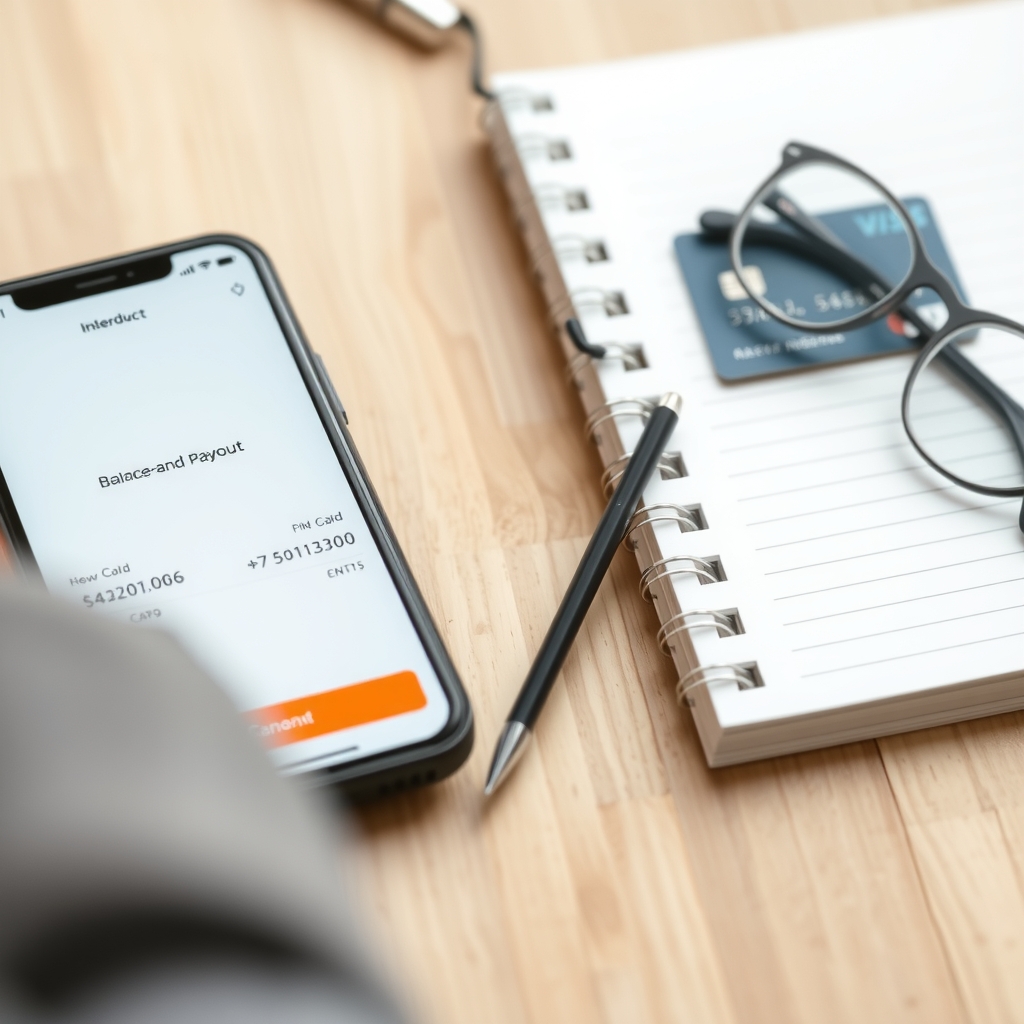
Your Earnings page shows your EC Pay balance, money still pending and past payouts. Withdraw to your bank from inside ExiusCart whenever you want.
EC Pay vs connecting your own gateway
You do not have to choose only one. You can start with EC Pay to sell today and add your own gateway later, or the other way round.
| EC Pay | Your own Stripe, PayPal or Whop | |
|---|---|---|
| Setup | One click, no API keys | Open an account, then connect it with your own keys |
| Time to first payment | Minutes | Depends on the gateway's approval |
| Payment methods | Cards, Apple Pay, Google Pay, guest checkout | Whatever your gateway account supports |
| Where you see the money | EC Pay balance on your Earnings page | In your gateway's own dashboard |
| Payouts | Withdraw to your bank from inside ExiusCart | On your gateway's own schedule |
| Best for | New sellers and anyone who wants to sell today | Sellers who already have a gateway they like |
Where EC Pay works

EC Pay is not tied to one storefront. It works on every checkout in ExiusCart:
- Your online store: the store that comes with every plan.
- Eevo Store Builder stores: pick a niche, Eevo builds the store, and EC Pay takes the first order. Read the instant AI store builder guide.
- Eevo Page Builder pages: one-product sales pages with their own checkout, no Shopify needed. See our PagePilot alternative guide.
- Custom websites: sites built on the ExiusCart API can use the same checkout.
Cash on delivery and bank transfer still work too. Mark those orders paid by hand when the money arrives.
Why built-in payments matter for dropshipping
In dropshipping, the payment is what starts everything else. With EC Pay the paid order sits in the same place as the product and the supplier, so the chain runs on its own:
- The shopper pays with EC Pay.
- The order shows in your dashboard as paid.
- The order is auto-fulfilled: it goes to the supplier through EC Sourcing.
- The tracking number comes back to you and your customer.
No copying orders, no matching payments by hand, no wondering whether an order was really paid.

Setting up payments the old way vs with EC Pay
| Step | Old way | EC Pay |
|---|---|---|
| Open a payment account | Yes, before you can sell | Not needed |
| Copy API keys | Yes | No |
| Set up webhooks | Often | No |
| Install a checkout app | Often | No, checkout is built in |
| Identity and bank check | Before selling | Once, and buyers can pay while it runs |
| See balance and withdraw | In another dashboard | Earnings page inside ExiusCart |
A quick launch checklist
- Turn on EC Pay in Payments.
- Start the ID and bank check so withdrawals are ready when sales come in.
- Add PayPal, Stripe or Whop as a second option if you already have one.
- Place one small test order on your own store or page and check it shows as paid.
- Check that the order reaches the supplier and tracking comes back.
- Turn on an abandoned checkout email in Eevo Flows to win back shoppers who leave.
Final thoughts
Payments should not be the reason you have not launched yet. With EC Pay you turn on payments in one click, take cards, Apple Pay and Google Pay from day one, and withdraw to your bank from inside ExiusCart. It works on your store, your AI-built store and every product page you make. Start your trial, turn on EC Pay and take your first order today. See every plan on the pricing page.
Ready to put this into practice?
Start your 7-day trialFrequently asked questions
What is EC Pay?+
EC Pay is the payment option built into ExiusCart. You turn it on with one click, with no API keys, and shoppers pay with cards, Apple Pay or Google Pay as guests in their own currency.
Do I need a Stripe or PayPal account to use EC Pay?+
No. EC Pay works without a separate gateway account. If you already have Stripe, PayPal or Whop, you can connect them too and pick which one is the default.
How do I get my money from EC Pay?+
Your Earnings page shows your EC Pay balance, pending money and past payouts. After a short ID and bank check, done once inside ExiusCart, you withdraw to your bank from there.
Can buyers pay before my ID check is finished?+
Yes. Buyers can pay as soon as EC Pay is on. The ID and bank check is what unlocks withdrawals to your bank.
Where does EC Pay work?+
On every ExiusCart checkout: your online store, Eevo Store Builder stores, Eevo Page Builder pages and custom websites built on the ExiusCart API.
Can I still take cash on delivery or bank transfer?+
Yes. Manual payments like cash on delivery and bank transfer can be marked paid by hand on the order.